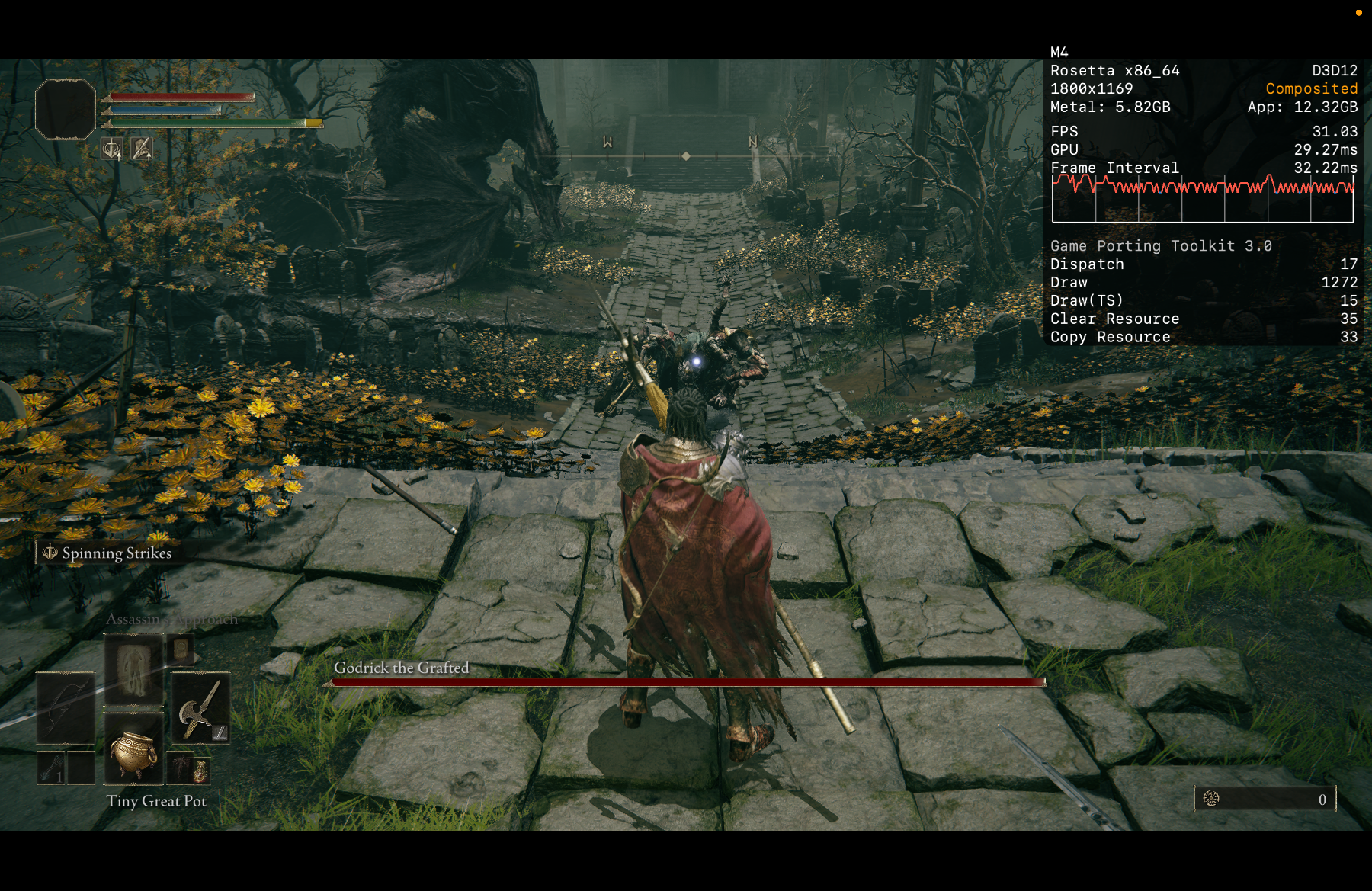
Elden Ring ERSC
The tested example profile.
This setup was tested with a copy of an installed Windows game folder, Steam running in the Steam prefix, and ERSC launched from that same prefix.
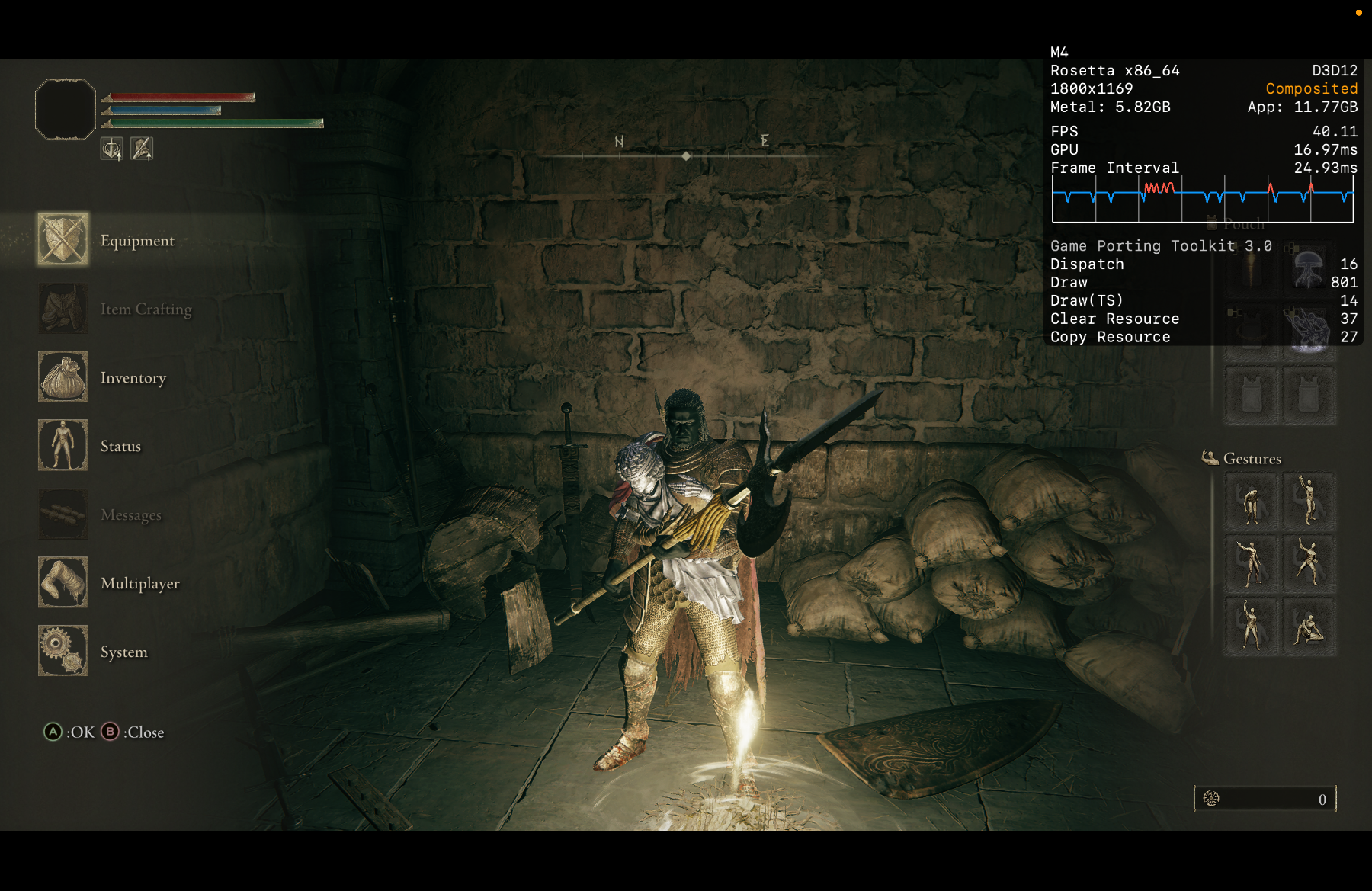
Important Folder Note
Copy the already-installed Windows game folder to the target Mac games folder. Do not copy only the installer files. Installers are less reliable in this build than a ready game folder.
$GPTK_EXTERNAL_ROOT/Games/EldenRing/Game/
  eldenring.exe
  ersc_launcher.exe
  SeamlessCoop/
Steam And ERSC
Start Steam first, then launch ERSC from the same Steam prefix. This lets Steam API calls and Spacewar/AppID 480 state stay visible to the game.
Run once before co-op testing: open the Steam profile in RipperMoonKit and click Install Spacewar. Steam launches AppID 480 so it can install Spacewar and any first-run redistributables. When that setup finishes, close Spacewar, keep or restart Steam as needed, then launch Elden Ring ERSC or ModEngine from the Elden Ring profile.
ModEngine And Randomizer
For randomized Elden Ring, the final launcher is Game/ModEngine2/launchmod_eldenring.bat. The randomizer imports a .randomizeopt file and generates files under ModEngine2/randomizer/; ModEngine then launches eldenring.exe, loads SeamlessCoop/ersc.dll, and mounts the randomizer folder.
RipperMoonKit's Mod Manager panel can clone or update the setup reference repo, open the download pages, install recognized mod ZIPs, prepare the current-machine config_eldenring.toml and launch bat, run the randomizer GUI, and launch the modded profile. It does not copy another Windows PC's drive letters. The copied Windows layout is only a reference for what files should exist.
Backup Mod State creates a rollback ZIP of ModEngine2, SeamlessCoop, and the root helper executables before changes. Import From Friend imports an exported co-op/randomizer packet, stages its bundled ZIP files, copies the shared .randomizeopt into the Randomizer folder, and applies the shared Seamless password while preserving a rollback point.
Confirmed behavior: if Elden Ring is launched without ModEngine, the randomized changes are not active. That means the randomized profile is isolated to the ModEngine launch path.
Game/ModEngine2/
  modengine2_launcher.exe
  launchmod_eldenring.bat
  config_eldenring.toml
  randomizer/
    EldenRingRandomizer.exe
Golden Pot Stability
The Golden Pot lobby workflow uses a patched GPTK runner that disables Wine DirectSound capture. That avoids the Steam Voice capture lock that caused the game screen to freeze while audio continued.
The ERSC profile also starts both Steam and ERSC with esync disabled. This avoids the later pipe/eventfd exhaustion that could close the game after opening the lobby.
For ModEngine launches, Steam must be started from the Elden Ring profile too. If Steam is already running from the standalone Steam tile or a manual stock-GPTK command, logs can repeat getsockname failed in BGetBoundAddr with error: 10022 and CSteamEngine::BMainLoop appears to have stalled. Close Steam, start Steam from the Elden Ring profile, then launch the modded profile.
The launcher now performs that order for the main Launch button and the library banner power button: start profile-matched Steam, wait for the Steam UI helper, then launch either ERSC or ModEngine depending on the profile setting.
Tool Credits
RipperMoonKit coordinates local setup around tools downloaded by the user. ModEngine 2 provides the mod loader, Elden Ring Seamless Co-op / ERSC provides the co-op DLL and launcher, and elden-randomizer-coop helped shape the setup helper workflow.